Skip to content
Whyingo Android Tutorials
How To, Information, and Guides
  • Home
  • Android Apps
  • Android Smartphone
  • About Us

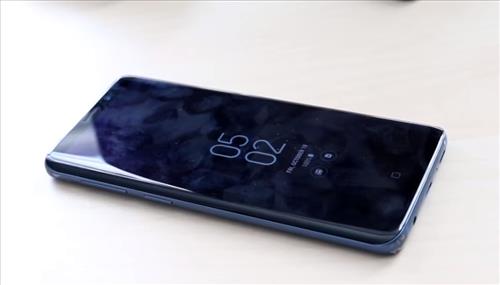
How to Adjust Screen Brightness Samsung Galaxy S10 or S10 Plus
The display screen also has several options that can be adjusted, including the screen brightness. The screen can be set from low brightness to high brightness depending on how much light there is. For example, in a dark room, the brightness can be set to low as the screen will be easier to see. Likewise,… Read More: How to Adjust Screen Brightness Samsung Galaxy S10 or S10… »
Category: Android Smartphone

How To Change Touch and Hold Delay Time Samsung Galaxy S20 or S20 Plus

The Galaxy S20 can be adjusted to speed up or delay the time an app responds to touch. The Samsung Galaxy S20 is a very nice Android smartphone with many options and features. One such feature is the ability to change the delay when your finger touches the screen and an app response. This will… Read More: How To Change Touch and Hold Delay Time Samsung Galaxy… »

Category: Android Smartphone

How to Enable/Disable Color Lens Samsung Galaxy S20 or S20 Plus

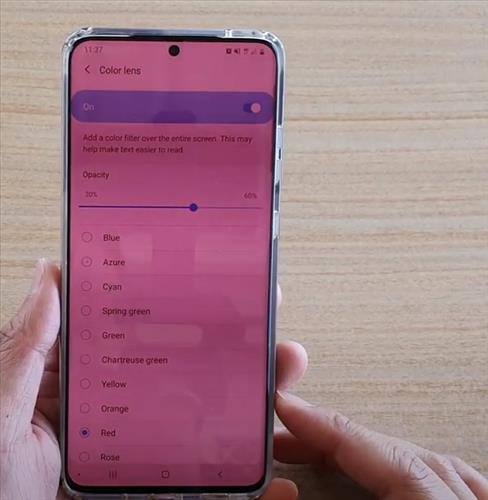
The Galaxy S20 is a very nice Android smartphone with many options and features. One such feature is the Color Lens option which can change the way the display outputs color. What is the Galaxy S20 Color Lens Option? Color Lens allows for the change or adjustment of the display’s output color. The Galaxy S20… Read More: How to Enable/Disable Color Lens Samsung Galaxy S20 or S20… »

Category: Android Android Smartphone

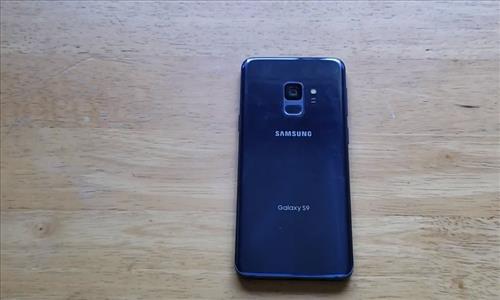
How to Turn Fingerprint Security On and Off Samsung Galaxy S9

The Samsung Galaxy S9 is a great Android smartphone with many options and features. One such feature is the ability to lock the phone with a password or fingerprint. The password option, while good, is not as quick and easy to enter as a fingerprint. Using a fingerprint to gain aces to the smartphone is… Read More: How to Turn Fingerprint Security On and Off Samsung Galaxy… »

Category: Android Smartphone

How To Remove the Back Cover on the Samsung Galaxy S20 and Repair Broken Back Glass

How To Remove the Back Cover on the Samsung Galaxy S20 and Repair Broken Screen

If your Samsung Galaxy S20 has become damaged, it can be replaced and repaired. The back cover is held on with adhesive that needs to be heated up and then pried off. Gloves will need to be used since the back can become too hot to hold. Be sure to spread the heat out evenly… Read More: How To Remove the Back Cover on the Samsung Galaxy… »

Category: Android Smartphone

How to Factory Reset Samsung Galaxy S9

Factory resting the Samsung Galaxy S9 is easy to do but will delete all user information. Factory resting is usually done when selling a phone or giving it away since it will be set back to its original manufacture state. Sometimes a factory reset is also done when there is strange errors on the phone… Read More: How to Factory Reset Samsung Galaxy S9 »

Category: Android Smartphone

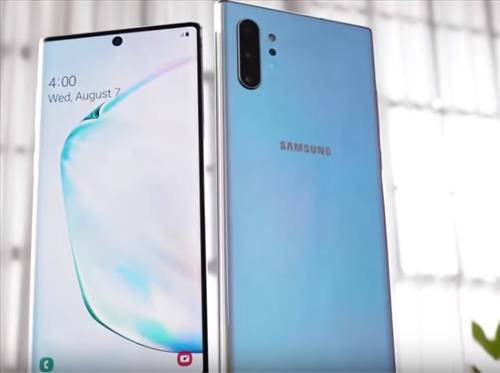
How to Turn On or Off TalkBack on a Samsung Galaxy Note 10

If you have a Samsung Galaxy Note 10, it has features for users that have difficulty seeing the screen. The feature is called TalkBack or Voice Assistant and is built into the Galaxy Note 10. What is the Samsung Galaxy Note 10 TalkBack Feature? TalkBack is a feature from Samsung that aids low-vision users by… Read More: How to Turn On or Off TalkBack on a Samsung… »

Category: Android Smartphone

How to Screen Mirror to a Smart TV with a Galaxy S10, S10E, S10+

How to Screen Mirror to Samsung Smart TV Galaxy S10, S10E, S10+

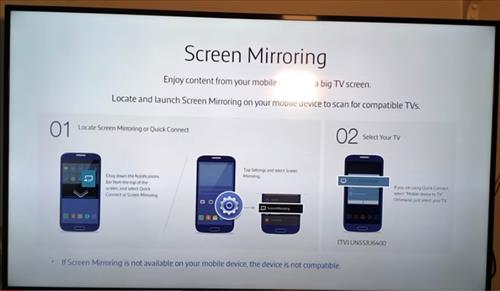
Setting up a Smart TV with a Galaxy S10, S10E, or S10+ is quick and easy to do. The Galaxy S10 has what is called Smart View to screen mirror to other devices such as Smart TVs. Smart View is compatible with Miracast, which is widely used by many manufacturers to display a smartphone’s screen… Read More: How to Screen Mirror to a Smart TV with a… »

Category: Android Smartphone

How To Get a Screenshot with a Galaxy S10, S10e, S10 Plus

How To Get a Screenshot with a Galaxy S10 S10e S10 Plus

Taking a screenshot with a Galaxy S10, S10e, or S10 Plus is easy to do. There are three ways to take a screenshot, including using Bixby, doing a hand slide, and using the buttons. 3 Ways to take a Screenshot Galaxy S10, S10e, S10 Plus Ask the Bixby Assistant. Slide your hand from the edge… Read More: How To Get a Screenshot with a Galaxy S10, S10e,… »

Category: Android Smartphone

How to Backup a Galaxy S22 Data to a Flash Drive

How to Backup Contacts and Messages to USB Galaxy S22

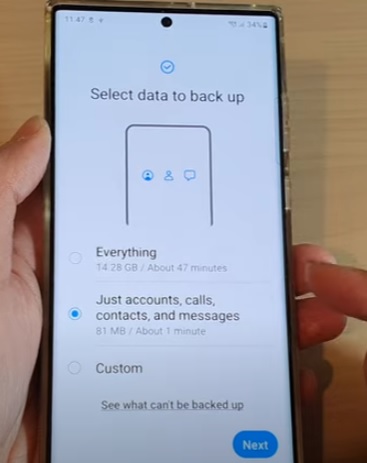
If you have a Samsung Galaxy S22, the phone’s data can be saved and backed up on a USB drive. This includes the Samsung Galaxy S22, S22 Plus, and S22 Ultra. The Galaxy S22 has several options to backup data, including backup everything, calls, accounts and messages, and custom. If the “Everything option” is selected,… Read More: How to Backup a Galaxy S22 Data to a Flash… »

Category: Android Smartphone Samsung Galaxy S22
Post navigation
← Older posts
Newer posts →

Recent Posts

  • How to Check for and Install Android Software Updates on Samsung Galaxy S25
  • How to Download Galaxy S25 Software Updates Over Mobile Data
  • How to Enable or Disable Chat Translation on Samsung Galaxy S25
  • How to Fix Calendar Notifications Not Working on Samsung Galaxy S25
  • How to Change and Customize Your Calendar View on Samsung Galaxy S25
Copyright 2023
Privacy Policy
Iconic One Theme | Powered by Wordpress