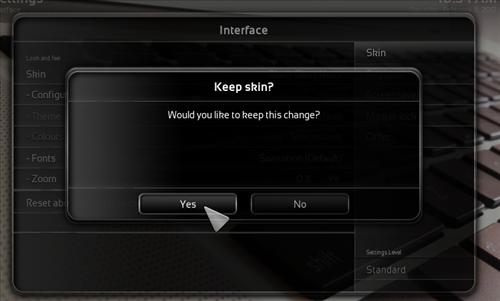
Black Glass Nova is a nice Skin laid out well. It is a good option for anyone looking to change the default look and feel to something different.
Keep in mind Skins don’t come with any add-on installed, so they still need to be added to stream TV shows or movies. A Skin simply changes the look and style of the interface.
Black Glass Nova Screenshot
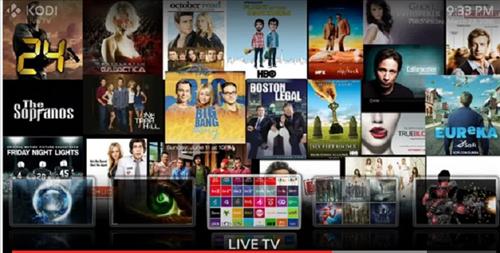
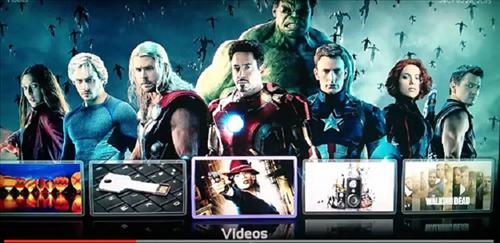

How to Install Black Glass Skin Android Smartphone
Step 1) Click System icon from the top left
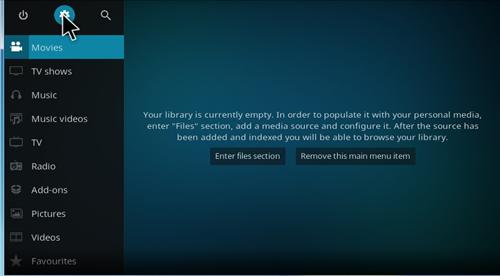
Step 2) Click Interface Settings
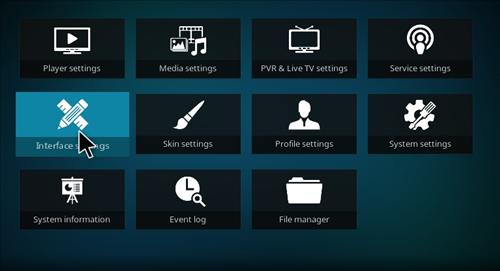
Step 3) Click skin
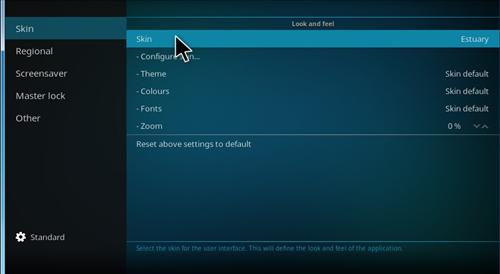
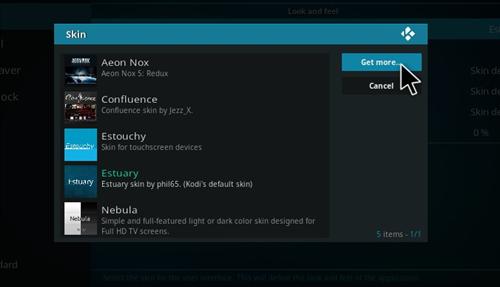
Step 4) Click Black Get More
Step 5) Click Black Glass Nova
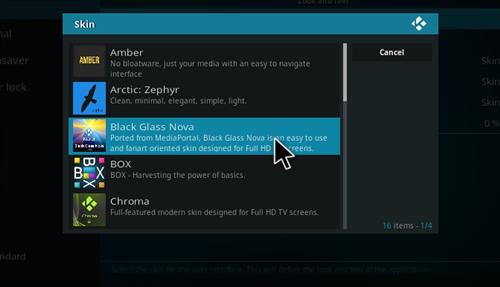
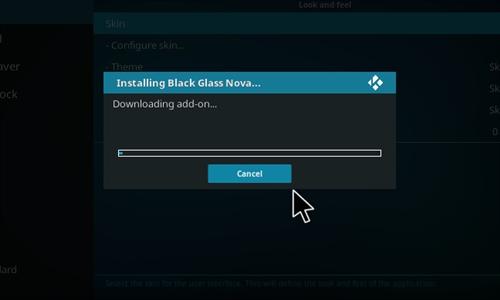
Step 6) It will download
Step 7) Click yes