
Amber Skin customizes an Android device to give it a more distinct look and change the overall menu layouts. You can explore amber skin in a few steps with all the available given tools.
Keep in mind Skins don’t come with any add-ons installed, so they still need to be added to stream TV shows or movies. A Skin simply changes the look and style of the interface.
Amber Skin Screenshots


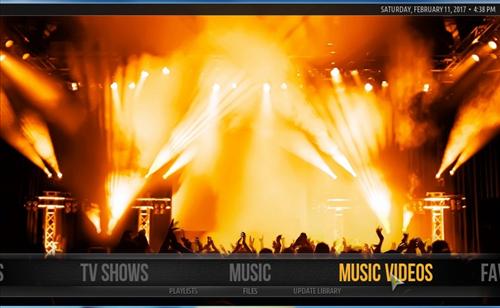
How to Install Amber Skin Android Device
Step 1) Click System icon from the top left
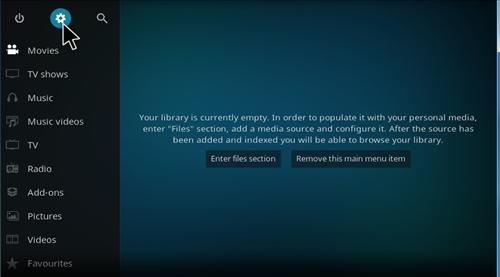
Step 2) Click Interface Settings
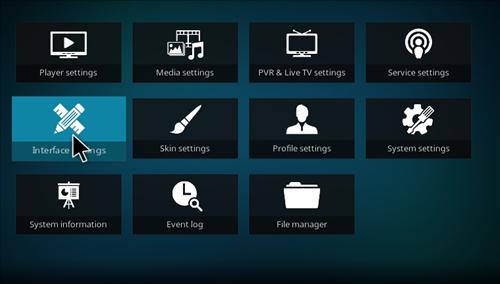
Step 3) Click Skin
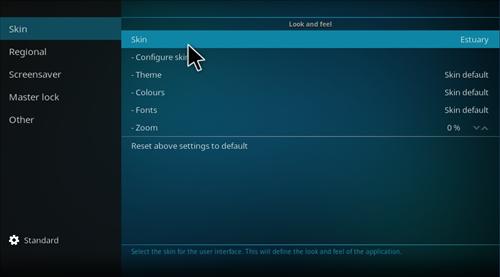
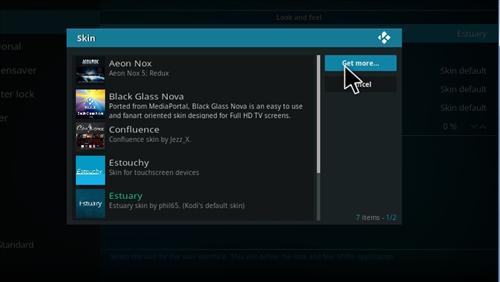
Step 4) Click Get more
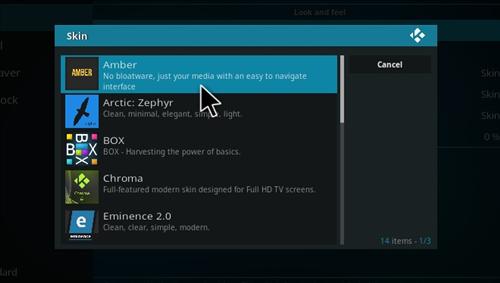
Step 5) Click Amber
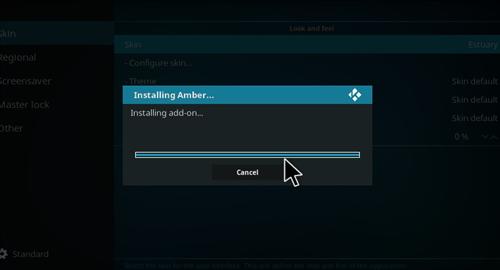
Step 6) It will download
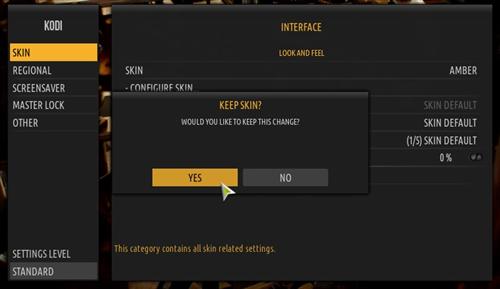
Step 7) Click Yes
This does NOT work..
Their is only AmberQ available and it will not install.. says Error “dependencies are not met” Galaxy S5