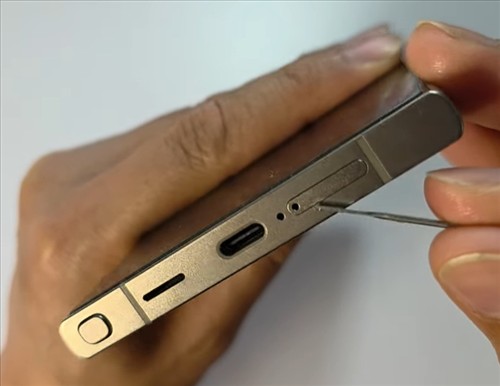
If your SIM tray won’t pop out on your Samsung Galaxy S23, S24, S25, or S26, don’t panic. There are a few simple tricks you can try before taking it to a repair shop. Here’s what actually works.
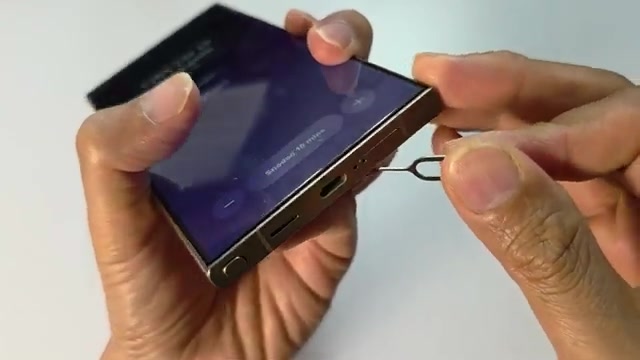
- Make sure you’re inserting the SIM pin into the correct hole. The SIM tray hole is different from the microphone hole, which sits right next to your USB-C port.
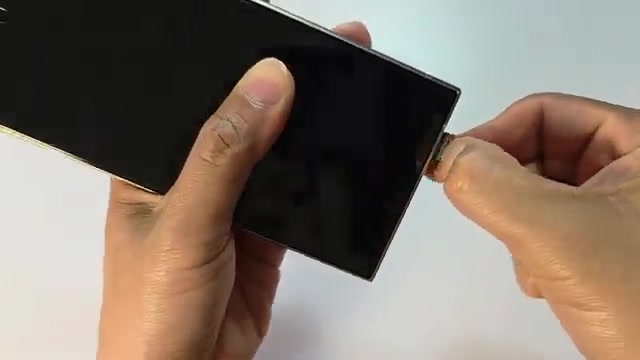
- Locate the SIM tray hole on your phone and position your SIM pin in it.
- Push the SIM pin in with firm pressure. Don’t be afraid to use some force — it’s not as delicate as you might think.
- Push the pin all the way in until the SIM tray pops out slightly, then pull it out completely.
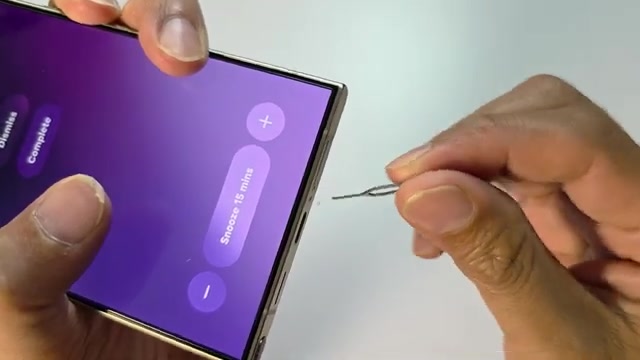
- If pushing straight in doesn’t work, try a different approach: insert the SIM pin at an angle instead.
- Insert the pin at about a 45° to 60° angle and apply steady pressure.
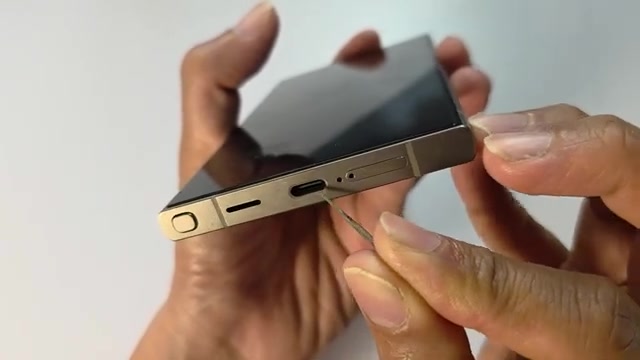
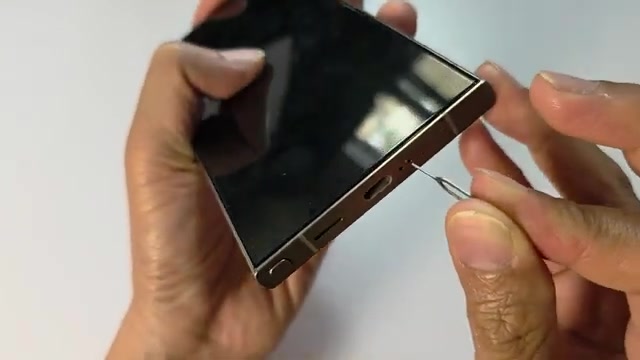
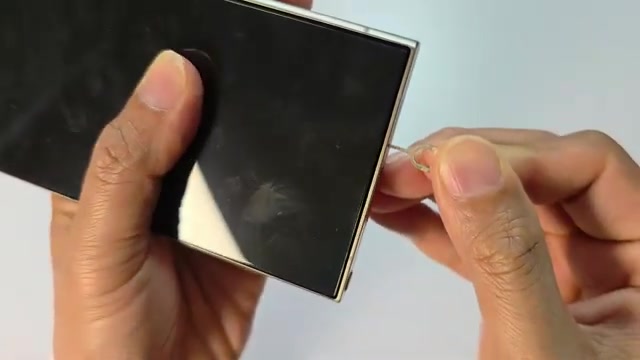
The key is usually just using more pressure than you think you need. Most people push too gently at first because they’re worried about breaking something, but these trays are built to handle firm pressure.