Need to clear out your WiFi and Bluetooth settings on your Samsung Galaxy S26? Maybe you’re troubleshooting connection issues or just want a fresh start. Here’s how to reset these settings in just a few taps.
- Tap the home button at the bottom of your screen to get back to your home screen.
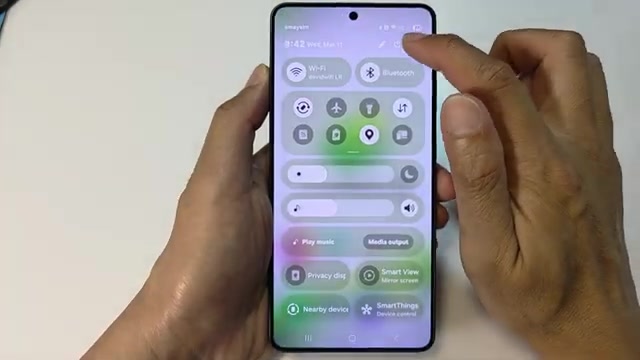
- Swipe down from the top of the screen and tap the settings icon.
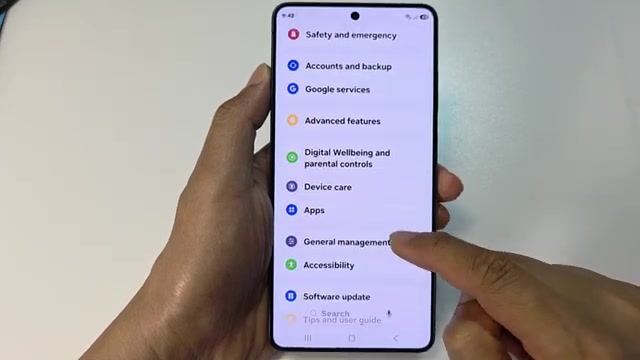
- Scroll down and tap on General management.
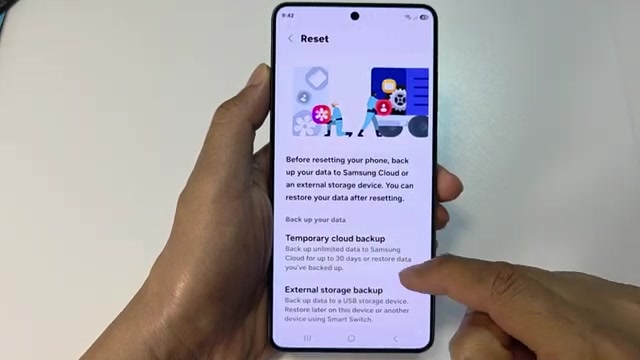
- Scroll down again and tap on Reset.
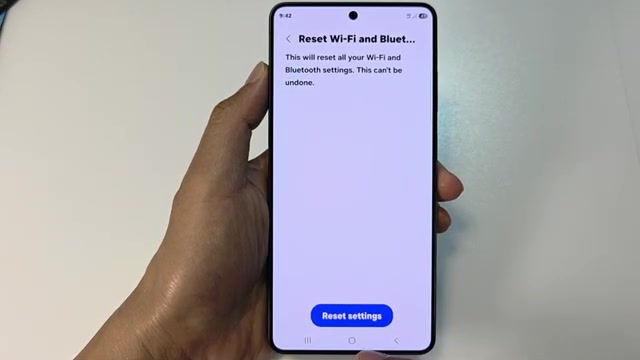
- Find and tap on Reset Wi-Fi and Bluetooth settings.
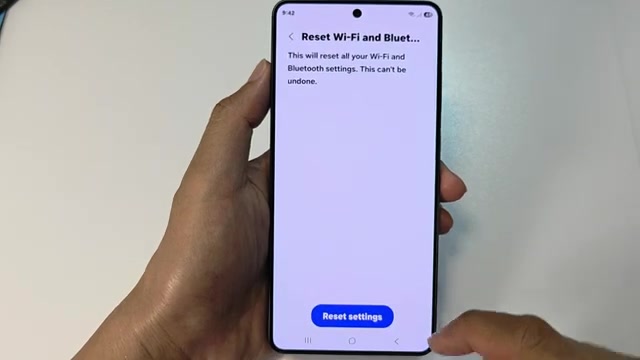
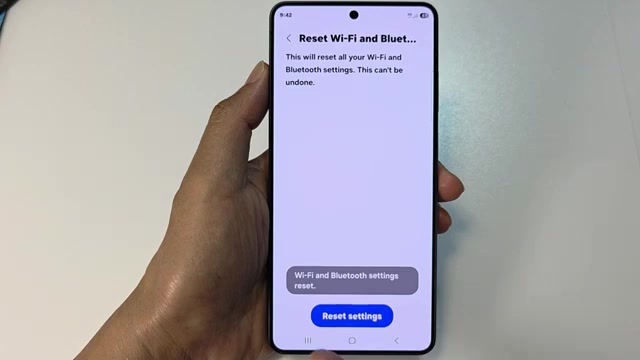
- Scroll to the bottom and tap Reset settings.
- Your WiFi and Bluetooth settings are now reset.
Keep in mind you’ll need to reconnect to your WiFi networks after this reset, so make sure you have your passwords handy.